
Al Ansari Salary Card Balance Check UAE 2025 Guide

Managing your salary in the UAE doesn’t have to turn into a monthly headache. Thanks to Al Ansari salary cards, keeping an eye on your PayRoll or PayPlus balance is super simple, no matter where you are or how you prefer to check it. Whether you’re glued to your phone, working from a site desktop, or stopping by an ATM on your way home, this all-in-one 2025 guide walks you through every official method with UAE-specific tips sprinkled in.
Al Ansari Salary Cards in the UAE
Al Ansari issues two main salary cards under the country’s Wages Protection System (WPS). Both are designed for residents and expats who want secure, straightforward salary access.
| Card Type | Features | Withdrawal Options | Special Notes |
|---|---|---|---|
| PayRoll | Closed-loop; branch-only withdrawals | Al Ansari branches | Highly secure; WPS compliant |
| PayPlus | POS-enabled; works for card payments | POS & ATMs | Ideal for cashless spending; WPS compliant |
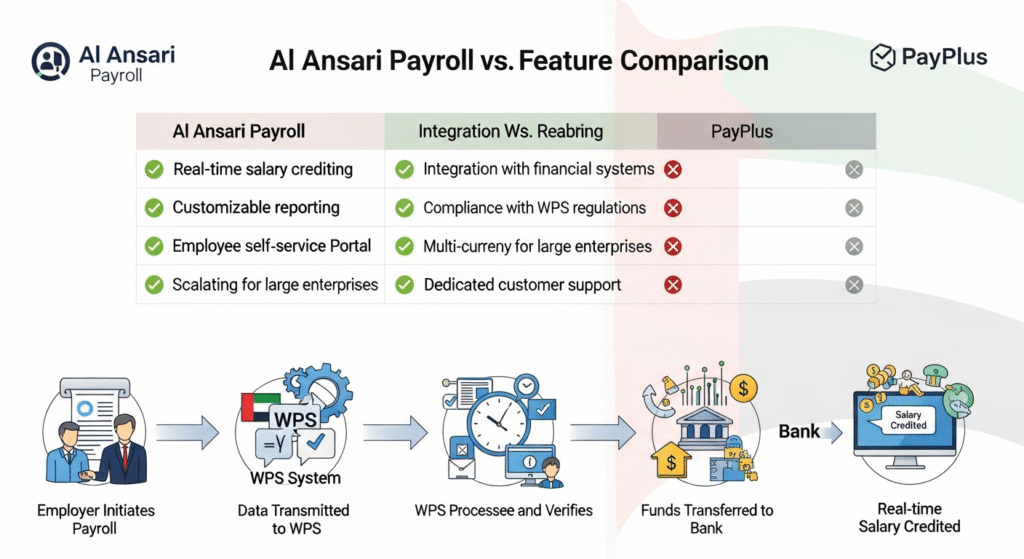
Both cards are provided by employers, so salaries are transferred automatically, no forms, no follow-up, no drama.
If you’re someone who moves between work sites or camps, the PayPlus card is a quiet lifesaver. You can tap, pay, and avoid carrying too much cash around.
Methods to Check Your Al Ansari Salary Card Balance
Al Ansari gives you multiple ways to check your balance, from ultra-convenient mobile access to good ol’-fashioned phone support. Pick whatever fits your daily routine.
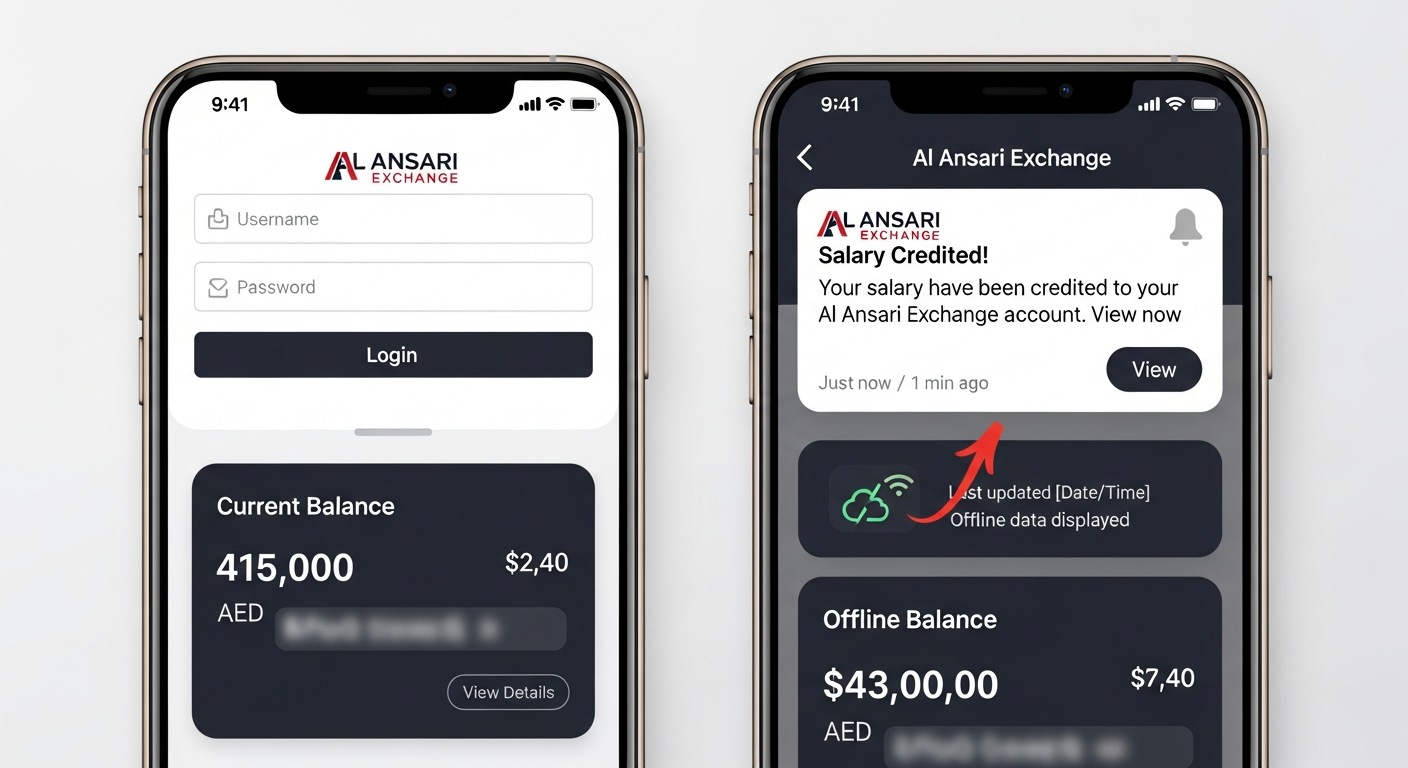
1. Mobile App
For most people, the app is the easiest and fastest.
How to check:
- Download the Al Ansari app (App Store or Google Play).
- Log in using your mobile number, Emirates ID, or UAE Pass.
- Open the Payroll/WPS section to see your current balance and deposits.
Why it’s so useful:
- UAE Pass login = fewer passwords to remember.
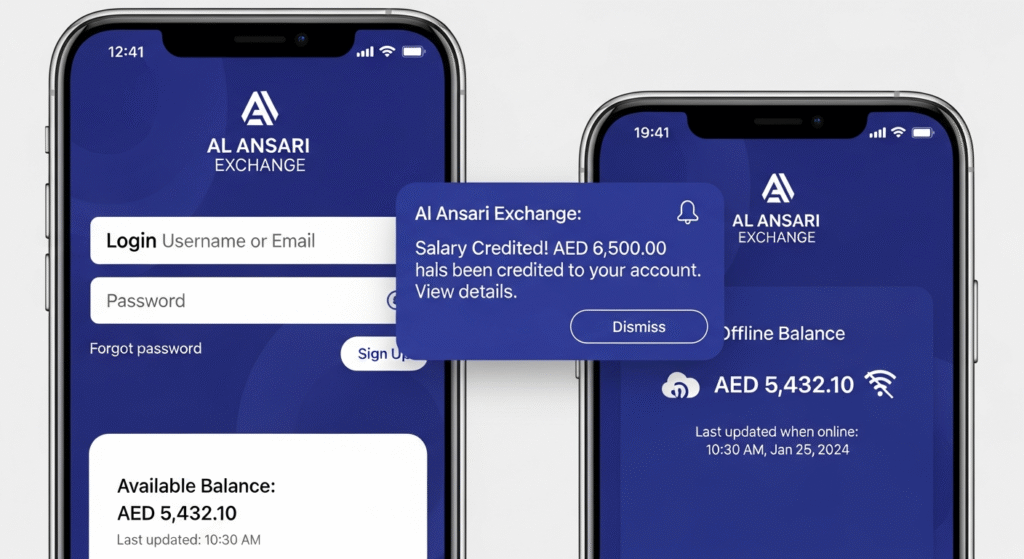
- Instant alerts for salary deposits or card activity.
- Perfect if you’re on the move—for example, if you’re working in Ras Al Khaimah and need to quickly check if the salary dropped before heading to the grocery shop.
2. Website Portal (eExchange.ae)
If you prefer checking your balance on a laptop or a corporate computer:
Steps:
- Visit eExchange.ae
- Sign in with your User ID and password
- Select Balance Inquiry
- Download your transaction history in PDF or CSV
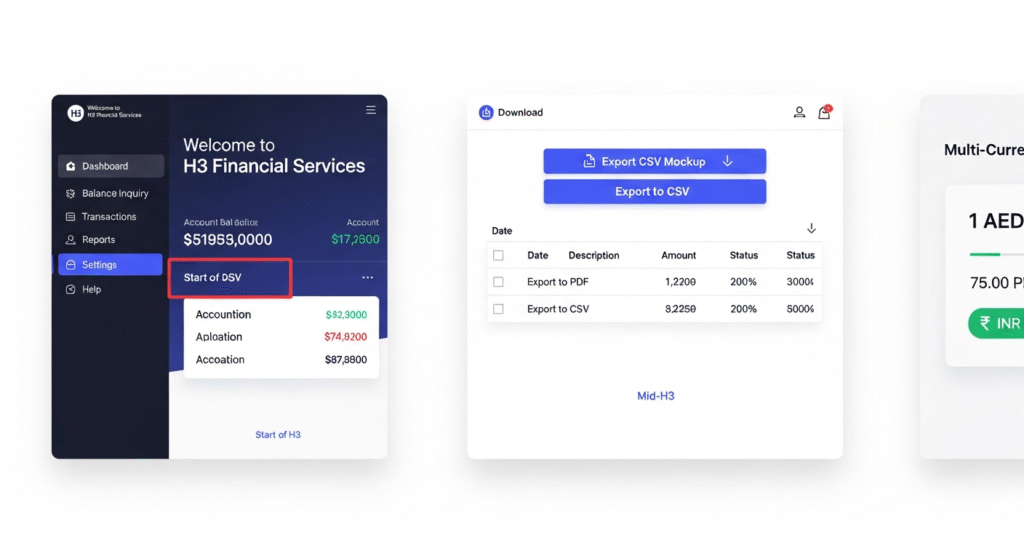
Extra benefit: If you’re sending money home frequently, the portal even shows real-time AED-to-PKR/INR rates, super handy before making transfers.
3. ATM Inquiry
A quick stop at an ATM works too.
Steps:
- Insert your PayPlus or Payroll card
- Enter your PIN
- Choose Check Balance
- Print the slip if you need a hard copy
Note: ATMs charge around AED 2–3 for a balance inquiry, so if you check your salary often, the mobile app might be easier on the pocket.
4. Customer Service (600 54 6000)
Some people just like talking to a real human, and that’s totally fine. Support is available in Arabic, English, and Urdu, which makes things easier for many expats who aren’t used to online banking.
Advanced 2025 Features to Know About
Al Ansari has quietly rolled out some new features that make life smoother:
- QR code branch/ATM locator – Opens maps instantly.
- Low balance alerts – Helps you avoid failed transactions.
- Card freeze option – Lock your card immediately if it’s lost or stolen.
- Analytics dashboard – Track your income vs. expenses over time for better budgeting.
- Seamless UAE Pass login – No more waiting for OTPs during rush hours.
Common Errors & Troubleshooting
Here are the usual issues and what they mean:
| Error Code | Meaning | Solution |
|---|---|---|
| E-101 | Card expired | Use app offline mode (7-day cached data) |
| E-202 | PIN locked | Reset via app or call 800-255 |
| E-303 | Not enough funds | Use the app’s offline mode temporarily |
| E-404 | Network issue | Use the app’s offline mode temporarily |
FAQs
Can I check my Payroll card balance online?
Yes, through the eExchange corporate portal.
Does the app charge fees for checking my balance?
No, it’s totally free.
How do I get salary alerts?
Turn on push notifications in the app’s WPS section.
Can I log in with biometrics?
UAE Pass is supported; biometric login for salary cards is not confirmed.
Are ATM balance checks free?
No, they cost AED 2–3 within the UAE.
How do I freeze a lost card?
Call 600 54 6000. App freeze is not confirmed for salary cards.
Can I download my salary history?
Yes, PDF and CSV downloads are available on the portal.
Does the app show currency conversions?
Yes, AED to PKR/INR with live exchange rates.
Does the app work offline?
Yes, for up to 7 days of cached balance.
How do I report a delayed salary?
Submit a complaint through the MOHRE-linked eExchange portal.
Is there a branch/ATM locator?
Yes, the app includes a GPS-based QR locator.
Can companies check multiple employee balances?
Yes, bulk inquiries are supported for corporate users.
Conclusion
Keeping track of your Al Ansari salary card balance doesn’t need to feel like a monthly mission. With options ranging from mobile checks to ATM inquiries and customer support, you’ve got a whole toolbox designed to fit your routine whether you’re working long shifts, jumping between job sites, or simply prefer checking from home.
At the end of the day, it’s about peace of mind. When you always know where your salary stands, planning becomes easier, surprises disappear, and managing your finances feels a whole lot lighter. Stay familiar with the options, and you’ll never be guessing your balance again.
